
How to Send Bulk Messages on WhatsApp Without Getting Banned
18 October 2026 · 8 min read · Agniix Labs
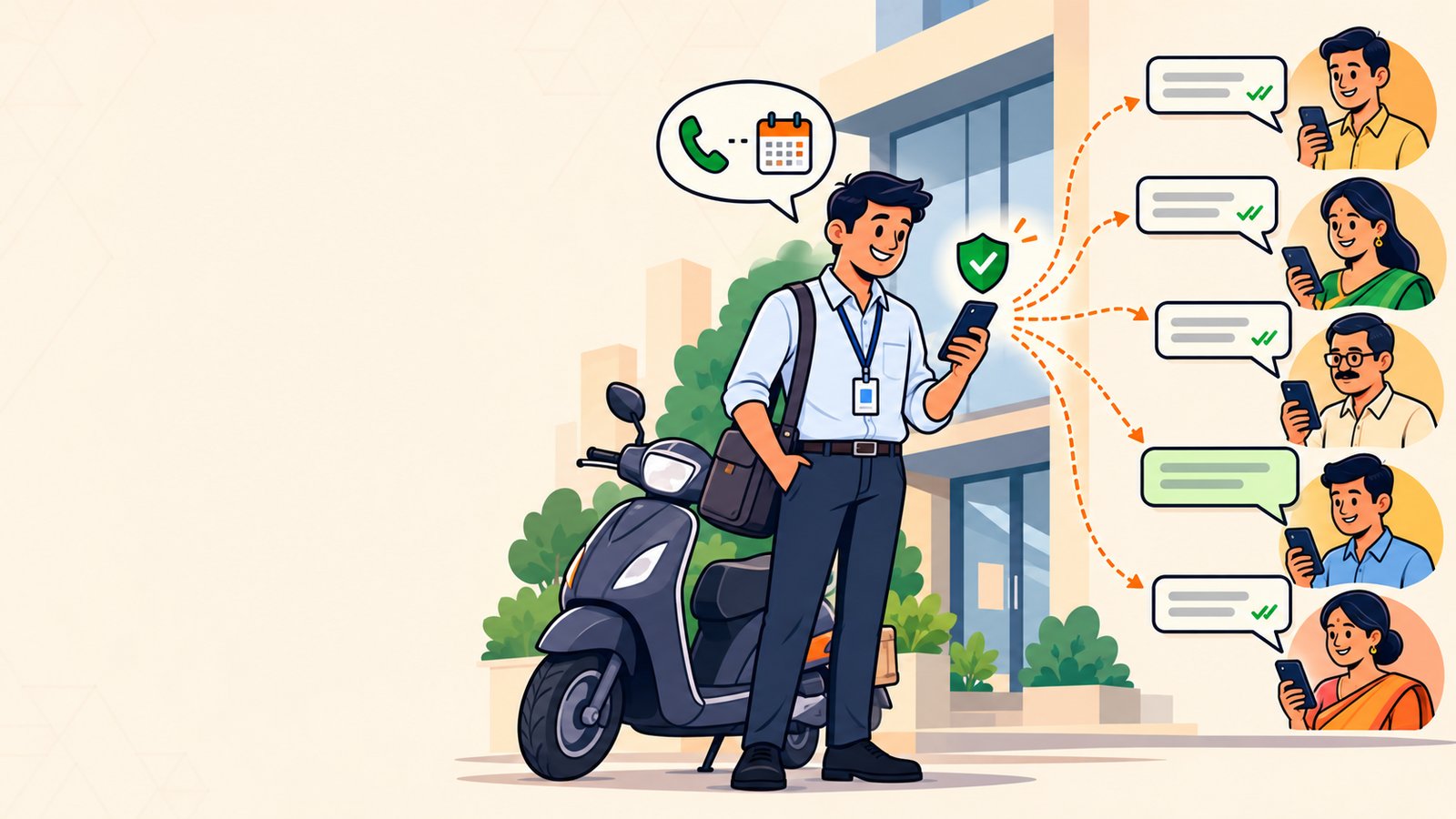
Free bulk senders get WhatsApp numbers banned. Here is how to send bulk messages on WhatsApp the official way, with daily limits and real costs.
If you sell loans, insurance, property or any product in the field, your WhatsApp number is your business. It is the number your leads have saved, the one they reply to, the one that brings referrals. So when you need to send the same offer to two hundred people, you want to know how to send bulk messages on WhatsApp without putting that number at risk. The tools that come up first — free bulk senders, Chrome extensions, "WhatsApp marketing software" downloads — work for a day or a week, and then the number gets banned. This guide shows the way that keeps working: the official WhatsApp Business API, what you need to start, how many leads you can reach each day, and what a bulk WhatsApp message actually costs.
Why most bulk WhatsApp senders get your number banned
Most "bulk sender" tools do not use WhatsApp's official system at all. They open WhatsApp Web in a browser and pretend to be you, clicking send again and again. WhatsApp sees one number suddenly messaging hundreds of people who never wrote to it, and it reacts the way it is built to: first a warning, then a temporary block, then a permanent ban.
For a salesman, that ban costs far more than the tool saved. Every lead in the middle of a conversation, every customer who would have called you back, every referral who has only your number — gone in one morning.
There are three signs a tool is one of these:
- It is a Chrome extension or asks you to scan a QR code with your own WhatsApp.
- It promises "unlimited messages" or "no block" at a flat price.
- It does not ask you to get message templates approved.
If you are searching for a WhatsApp bulk message sender "without block", the honest answer is that no unofficial tool can promise that. Only the official route can.
The official way: the WhatsApp Business API
WhatsApp gives businesses an official way to send messages to many people: the WhatsApp Business API (also called the Cloud API). It is the same system banks and insurance companies use to send you policy reminders and offers.
The rules are simple, and they are what keep your number safe:
- People must agree to hear from you. This is called opt-in — a lead who filled your form, gave you their number at a meeting, or messaged you first.
- Offers go out as approved templates. You write the message once, WhatsApp reviews it, and then you can send it to your whole list. Approval usually takes minutes to a few hours — see how long WhatsApp template approval takes.
- Anyone can say STOP. When someone opts out, you stop messaging them. A good tool does this for you automatically.
Follow these and WhatsApp treats your number as a trusted business, not a spammer. You can read how Agniix handles these rules on our WhatsApp policy compliance page.
How to send bulk messages on WhatsApp, step by step
Here is the whole process for a salesman or a small sales team, from nothing to your first bulk WhatsApp message — and the follow-ups that turn it into sales.
Step 1: Pick a WhatsApp Business API provider
You need a provider to connect your number to the API — you cannot do it from the WhatsApp app itself. Look for one that charges in rupees, supports Hindi, lets you keep your existing number, and — this matters most for sales — helps you follow up on replies, not just send. Agniix is built for exactly this: salesmen and small businesses in India.
Step 2: Connect your WhatsApp number
Connecting takes about three minutes through Meta's own sign-up screens. You can keep the number your leads already know if it is on the WhatsApp Business app, or start with a new SIM.
Step 3: Add your leads
Import your lead list from a spreadsheet, or add people one by one. Only add people who have agreed to hear from you — it protects your number and gets better results, because people who expect your message actually read it.
Step 4: Write your offer and get it approved
Write your message as a template: one clear offer, your name or company, and an easy way to reply. Keep it specific and honest — "Home loan from 8.5% — reply YES and I'll call you back today" beats "BEST RATES!!! CALL NOW". Submit it, and once approved you can reuse it as often as you like.
Step 5: Send to your list
Choose the template, choose who receives it, and send. Every person gets the message individually, in their own chat — not in a group, and without seeing anyone else's number.
Step 6: Follow up on every reply
This is where the sales are, and where most people lose them. When you send to 200 people, 10 or 20 will reply — "rate kya hai?", "call me after 6", "send details". Those are your hottest leads. Reply within 24 hours (WhatsApp lets you chat freely in that window), mark who is interested, and set a date to call back. A lead you forget to call on Thursday is a sale someone else makes on Friday.
How many bulk messages can you send per day?
WhatsApp sets a daily limit on how many different people a business can start conversations with. A new, unverified business starts at 250 people a day. Once your business is verified, and as long as people are not blocking or reporting you, the limit keeps rising automatically.
Two things matter more than the limit itself:
- Quality. If many people block you, WhatsApp lowers your limit. Messaging people who want to hear from you is the best way to grow it.
- Replies are free to answer. When a lead writes to you, replying does not count against the daily limit.
For most salesmen, 250 new conversations a day is more than you can follow up properly anyway — start there and grow.
What does a bulk WhatsApp message cost in India?
With the official API you pay per delivered message, not a flat "unlimited" fee. On Agniix:
- Starter plan: ₹500 a month, with ₹100 welcome credit included (one per phone number, valid 30 days).
- Marketing message (an offer): ₹1.40 each, deducted only when it is delivered.
- Utility message (a reminder, an update): ₹0.30 each.
- Replies to people who message you: free within the 24-hour window.
So sending an offer to 100 leads costs about ₹140. If even one of them turns into a policy or a loan, that is the cheapest lead you will buy all month. You top up a prepaid wallet over UPI and never pay for a message that fails to deliver. See the full breakdown on our pricing.
What to look for in WhatsApp bulk message software
If you are comparing the best WhatsApp bulk message software for your sales work, check these five things:
- Official API, not WhatsApp Web automation. Ask directly. If it uses a QR code or a browser extension, walk away.
- Clear per-message pricing in rupees. "Unlimited" is a warning sign, not a feature.
- A follow-up list, not just a send button. You need to see who replied, who is interested, and who to call today — and get reminded about the ones you meant to call back.
- Hindi and regional language support, for your offers and for the app itself.
- Automatic opt-out handling, so someone who says STOP is never messaged again.
Frequently asked questions
Can I send bulk messages from the normal WhatsApp app?
Not safely. Broadcast lists in the WhatsApp Business app only reach people who have saved your number, and copying messages to many chats by hand quickly gets flagged. For anything more than a handful of people, use the official API.
Will my number get banned with the official API?
Not for using it as intended. Bans come from messaging people who did not agree to hear from you, or from many people blocking you. Send approved templates to leads who opted in, and your number stays healthy.
Can I keep my existing WhatsApp number?
Often yes. If your number is on the WhatsApp Business app and has been in regular use, it can usually be connected to the API and keep working in the app at the same time. If it is not eligible, you can start with a new number.
Can I send WhatsApp bulk messages in Hindi?
Yes. Templates can be written in Hindi or Hinglish, and they go through the same approval. People are often more likely to reply to a message written the way they speak.
Send your first bulk WhatsApp offer
Sending bulk messages on WhatsApp is not about finding a tool clever enough to avoid a ban. It is about using the official route, messaging people who want to hear from you, and following up on every reply before someone else does.
Agniix gives salesmen and small businesses exactly that: the official WhatsApp Business API, Hindi support, pricing in rupees, and a simple app that shows who replied and who to call today. Start with ₹100 free credit — see plans and pricing.